Importing a Cluster
Importing an existing kubernetes cluster from anywhere to kubekit is very simple.
To initiate the importing process, Navigate to the Import Cluster Page by clicking the Import Cluster button. Then follow the below steps:
Provide Cluster Details
- On the left panel, select an icon, provide a name for your cluster and this will appear in the dashboard after importing.
Select Import Method KubeKit provides three options for importing:
Import the Cluster
- Click
Continueto start the importing process.
- Click
Congratulations!! You have successfully imported your Kubernetes cluster using KubeKit!
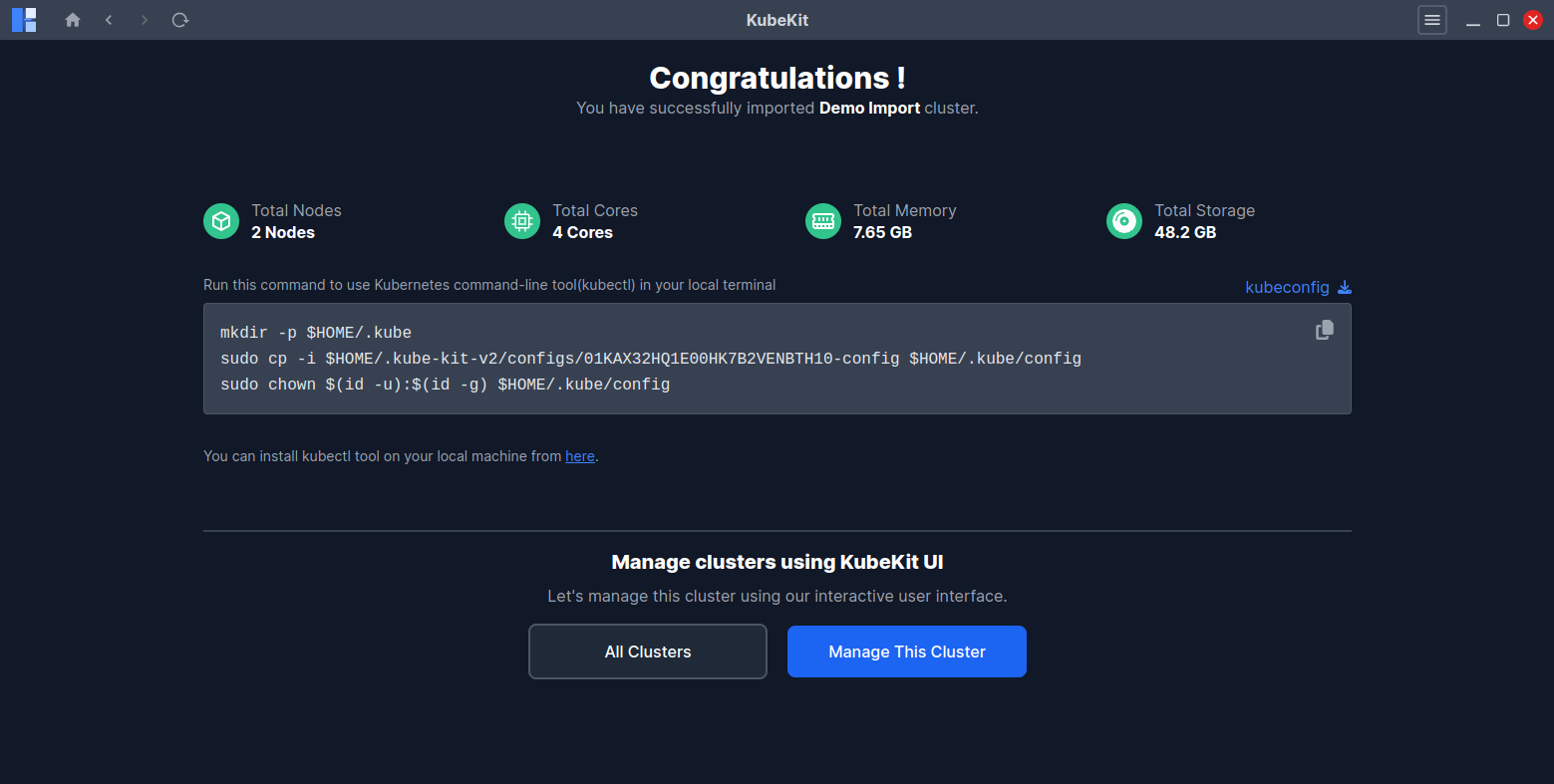
You can also download the kubeconfig file from here.