Updating KubeKit
KubeKit releases regular updates with new features, performance improvement, bugfix and bettter user experience.
It is recommended to stay up to date to the latest version.
Steps to Update KubeKit
Launch KubeKit
Launch the KubeKit application.Access the Menu
Click the menu icon located in the top-right corner.Check for Updates
Navigate to the About section to view your current KubeKit version, then click Check for updates to see if a newer version is available.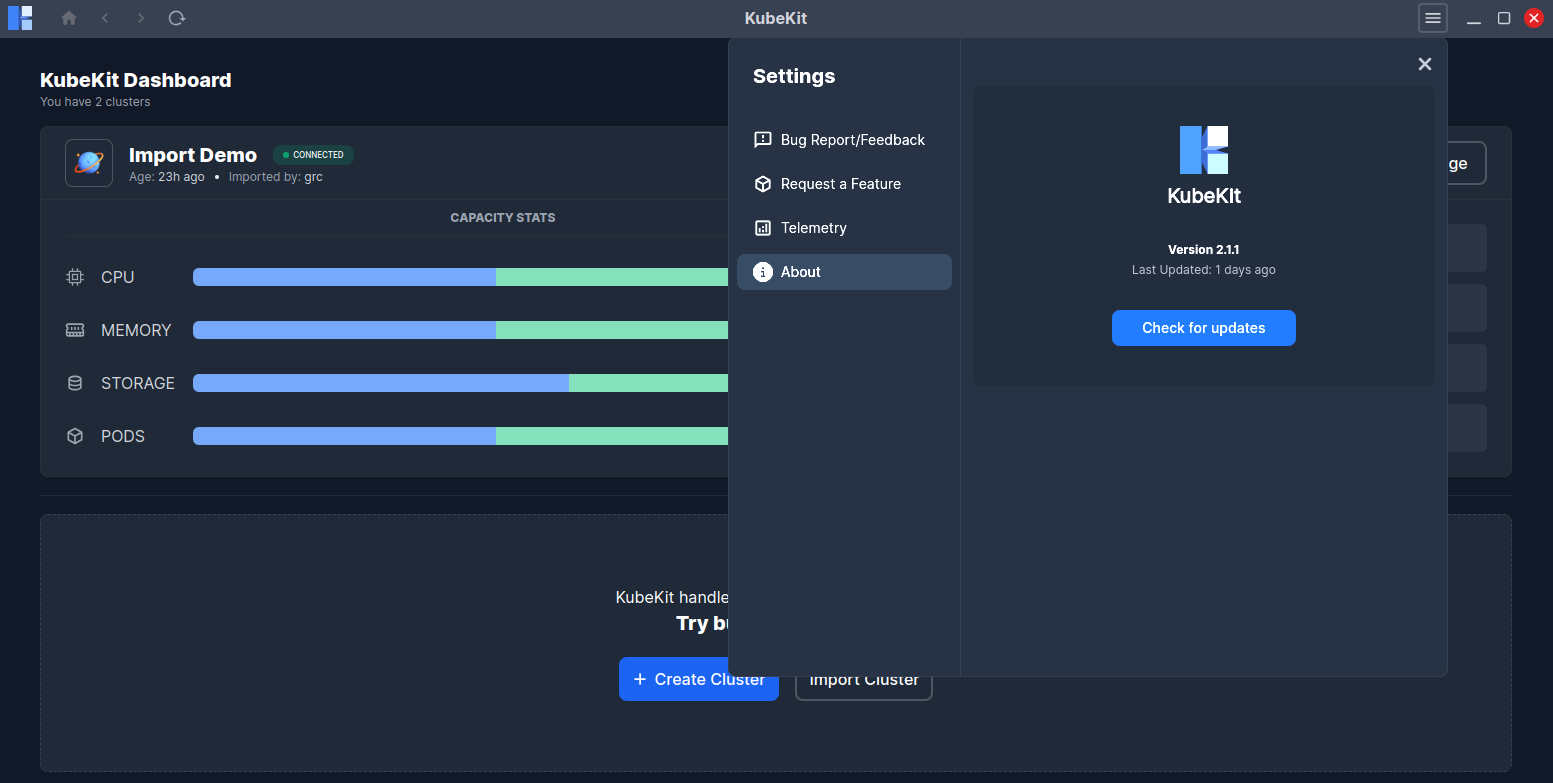
Install Updates
- If KubeKit is up to date, a message will appear: "Your KubeKit is up to date!"
- If an update is available, then click on
Downloadbutton to download the update. - Click on
Installto install the update.
Once the update completes, KubeKit will restart automatically, and you will be ready to use the latest version.
If it fails to start automatically, then launch the app manually.