Access Node Terminal
From the KubeKit Cluster Dashboard, open the Nodes section using the left-sidebar navigation. On the Nodes page, you will find a table displaying every node in your cluster along with key metadata such as name, role, and status.
KubeKit provides terminal access as the root user. To switch to desired user, run the following command:
su <username>
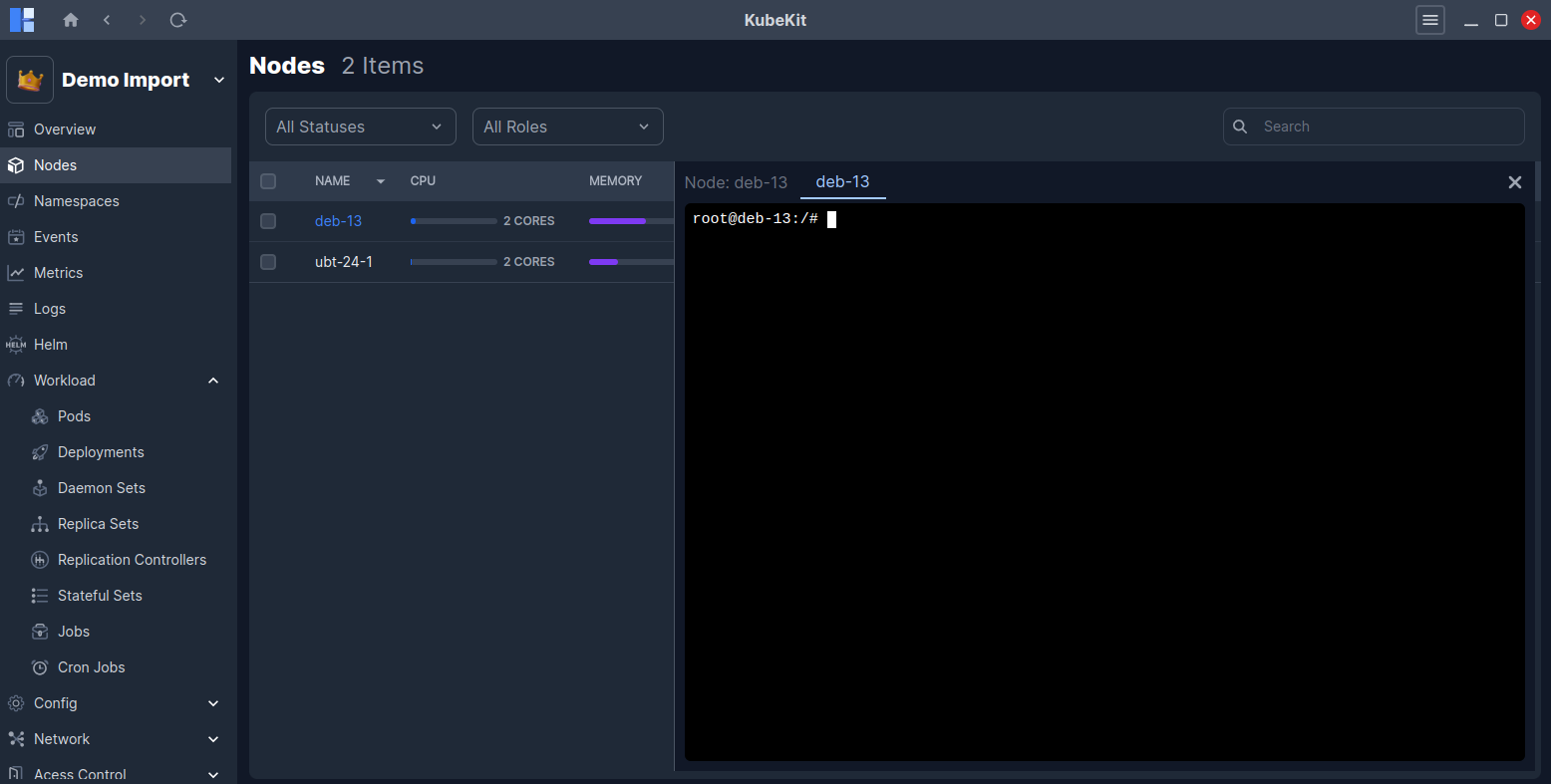
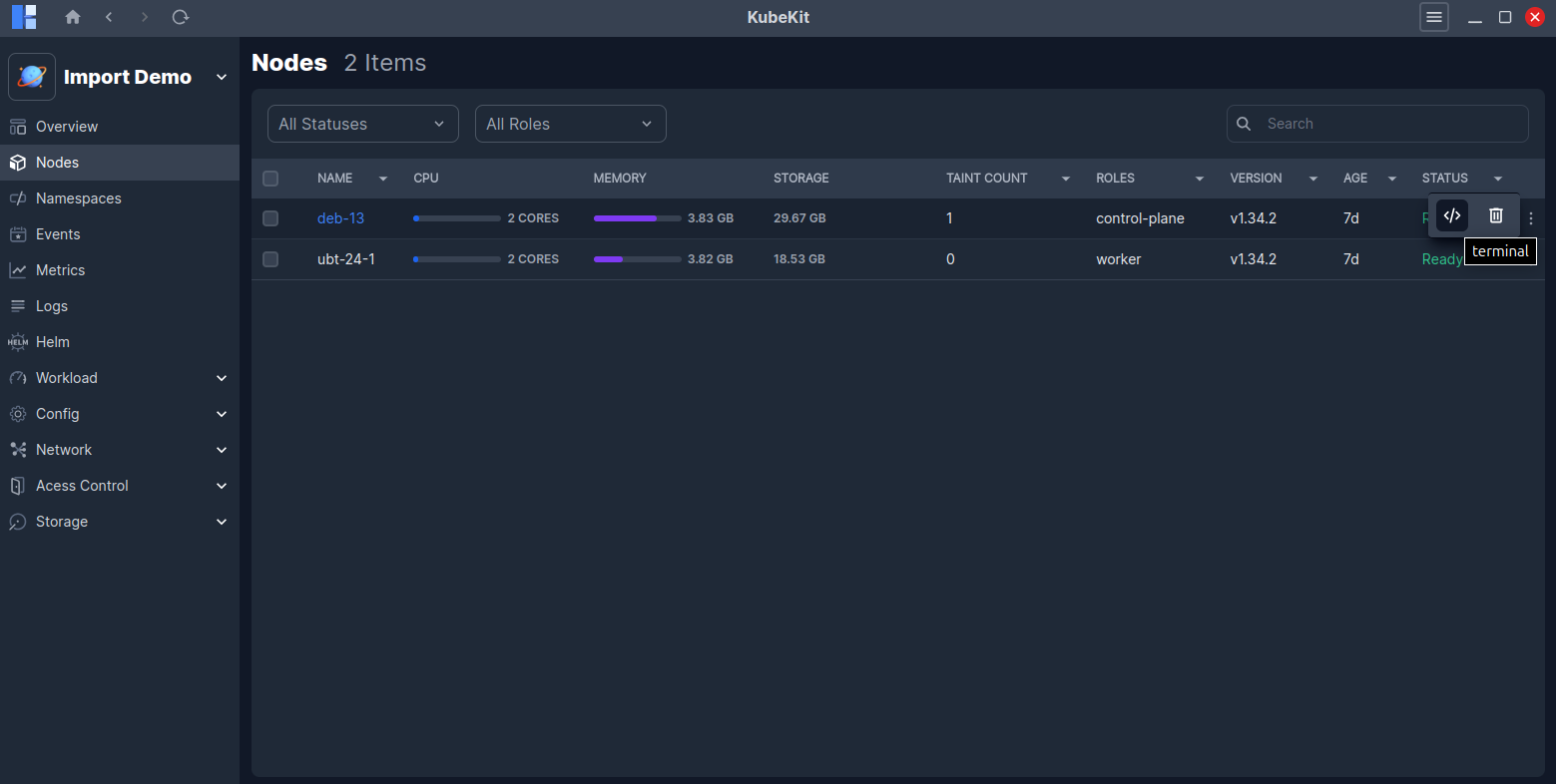
To access a node's terminal, locate the three-dot menu on the node row and click the Terminal button.
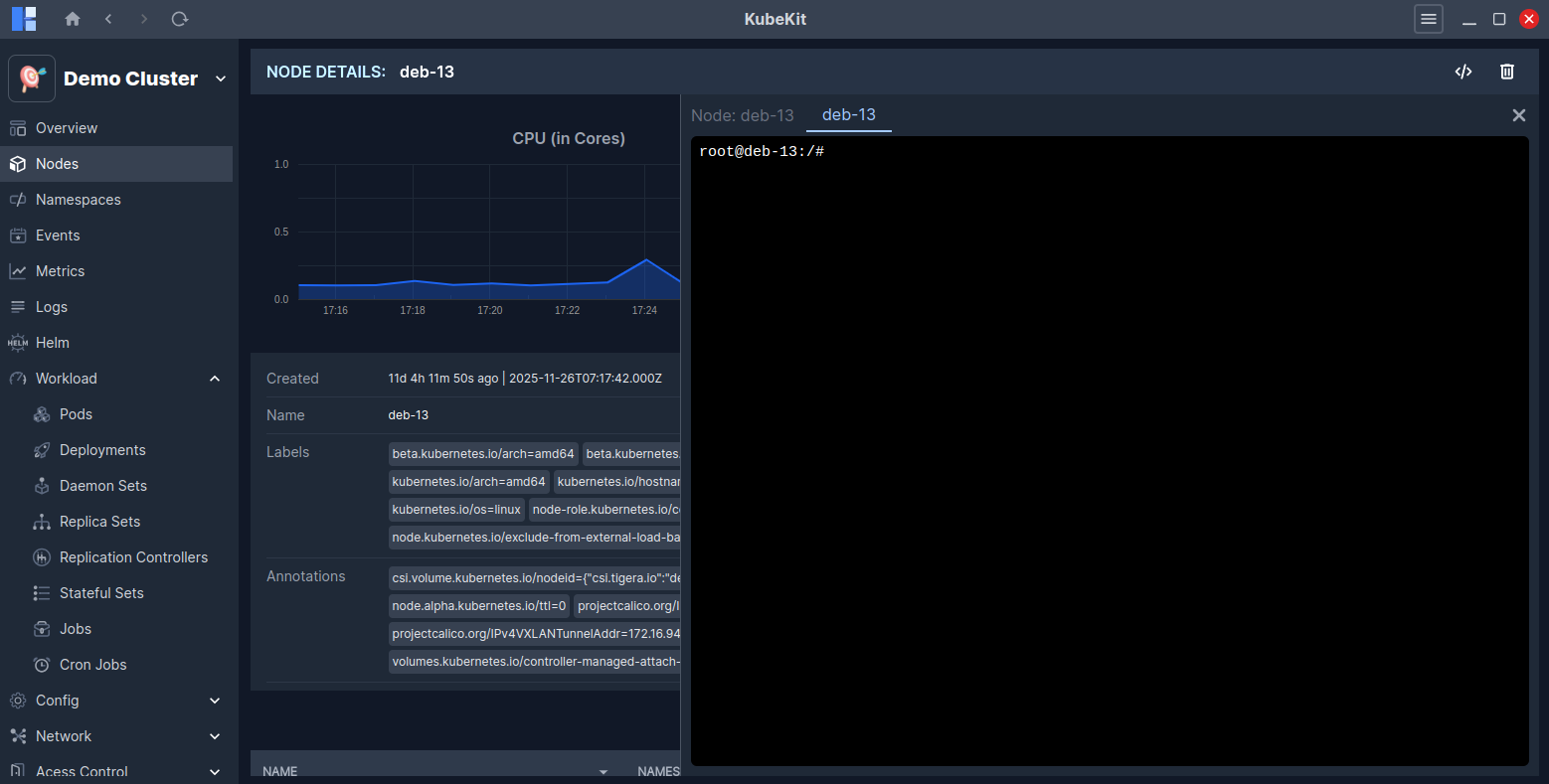
Alternatively, if you open the node's detailed page by clicking on its row, the Terminal button is available at the top-right corner. Clicking it will open the terminal for that node.
Access pod terminal
You can also access the terminal of a pod directly from the Cluster Dashboard. To do this, expand the Workload section and select Pods menu from the right sidebar.
This feature enables you to interact with the pod directly for troubleshooting, configuration, or monitoring purposes.
To access a pod's terminal, locate the three-dot menu on the pod row and click the Terminal button.
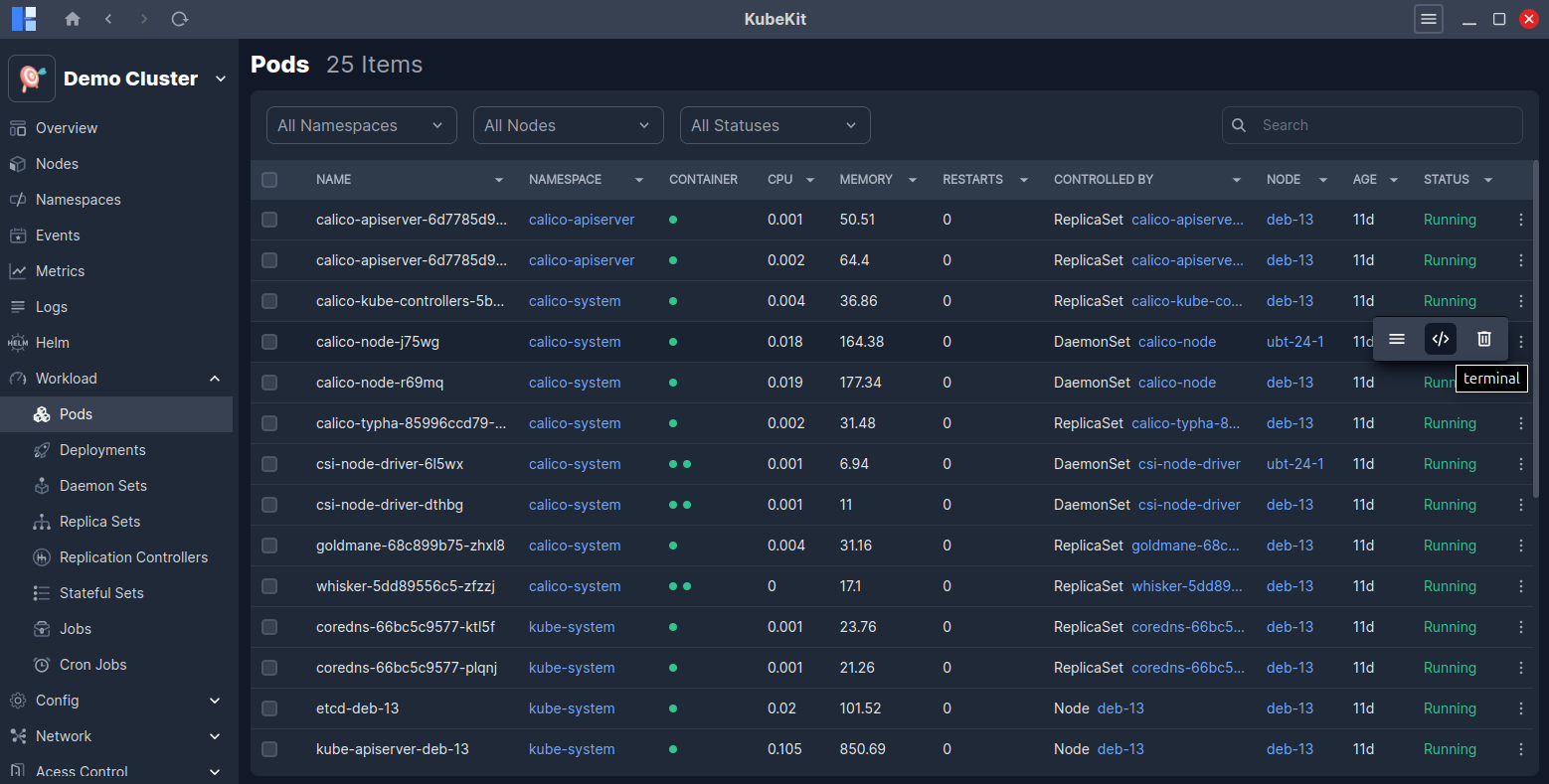
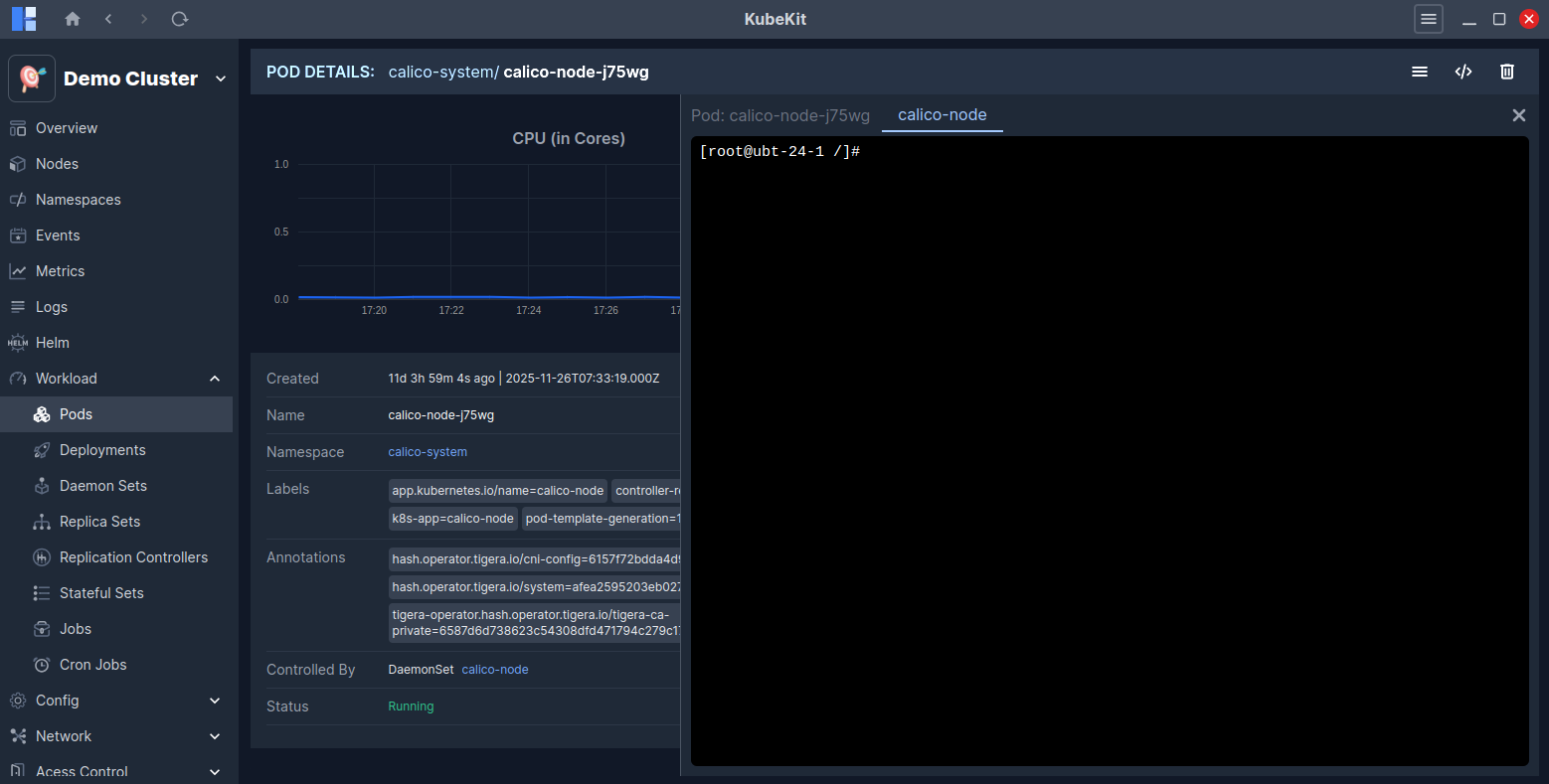
Alternatively, if you open the pod's detailed page by clicking on its row, the Terminal button is available at the top-right corner. Clicking it will open the terminal for that pod.